How to Find Someone on OnlyFans (Name, Photo or Username)

Content Marketer
OnlyFans doesn't make it easy to find someone. Here's every method that works, from free search tools and reverse image lookup to social media tricks. Step-by-step guide.
You have a name, a photo, maybe an old username. Someone dropped a hint, or a notification vanished a little too fast, and now you want to know whether this person has an OnlyFans. OnlyFans doesn't make that easy, on purpose.
Short answer: inside OnlyFans, you can only find someone if you know their exact username, either in the search bar or at onlyfans.com/username. Without a username, the search happens outside OnlyFans: in their social media bios and link pages, through a reverse image search, or with a targeted Google search. Subscribers can't be searched at all, only creators.
Start from what you already have:
- A username: type onlyfans.com/username in your browser. It's the fastest check there is (Method 1 below).
- No username, but their Instagram, X or TikTok: look at the bio and the link pages. We cover it in detail in how to find someone's OnlyFans without knowing their username.
- A real name: Google it with site:onlyfans.com, then with a city or another username. Full method: find someone's OnlyFans by real name.
- A photo: run a reverse image search, then read the bio of the social profile it leads to. Step by step: find someone's OnlyFans by photo.
- An email address: use it on Google as a bridge to a username. What works and what doesn't: find an OnlyFans account by email.
- A phone number: honestly, almost nothing on the OnlyFans side. Here's why, and what's left: find an OnlyFans account by phone number.
- Only a suspicion: start with the signs, not the search. Our guide on how to check if someone has an OnlyFans account walks you through them.
Why Is It hard to find people on OnlyFans?
OnlyFans was designed with privacy in mind, for both creators and subscribers.
Unlike social networks like Instagram or Facebook, OnlyFans does not encourage discovery through traditional search tools. Many creators choose to remain anonymous by using pseudonyms or brand names instead of their real identity.
This emphasis on discretion makes it difficult to search for someone unless you already have specific details. Before diving in, it's important to manage expectations: you may not find who you're looking for without doing some detective work.
But the wall has a door. A paid account needs subscribers, and subscribers come from somewhere: a link in a bio, a link page, a post on Reddit. So you're not really searching OnlyFans. You're looking for the public trail that leads to it, and following it back to a username.
That's also why the search sometimes works in five minutes and sometimes not at all. It works when the person promotes their account somewhere, even discreetly. It fails when the account is fully sealed off: a username used nowhere else, photos posted nowhere else, an email address made just for it.
Method 1: The official OnlyFans search bar
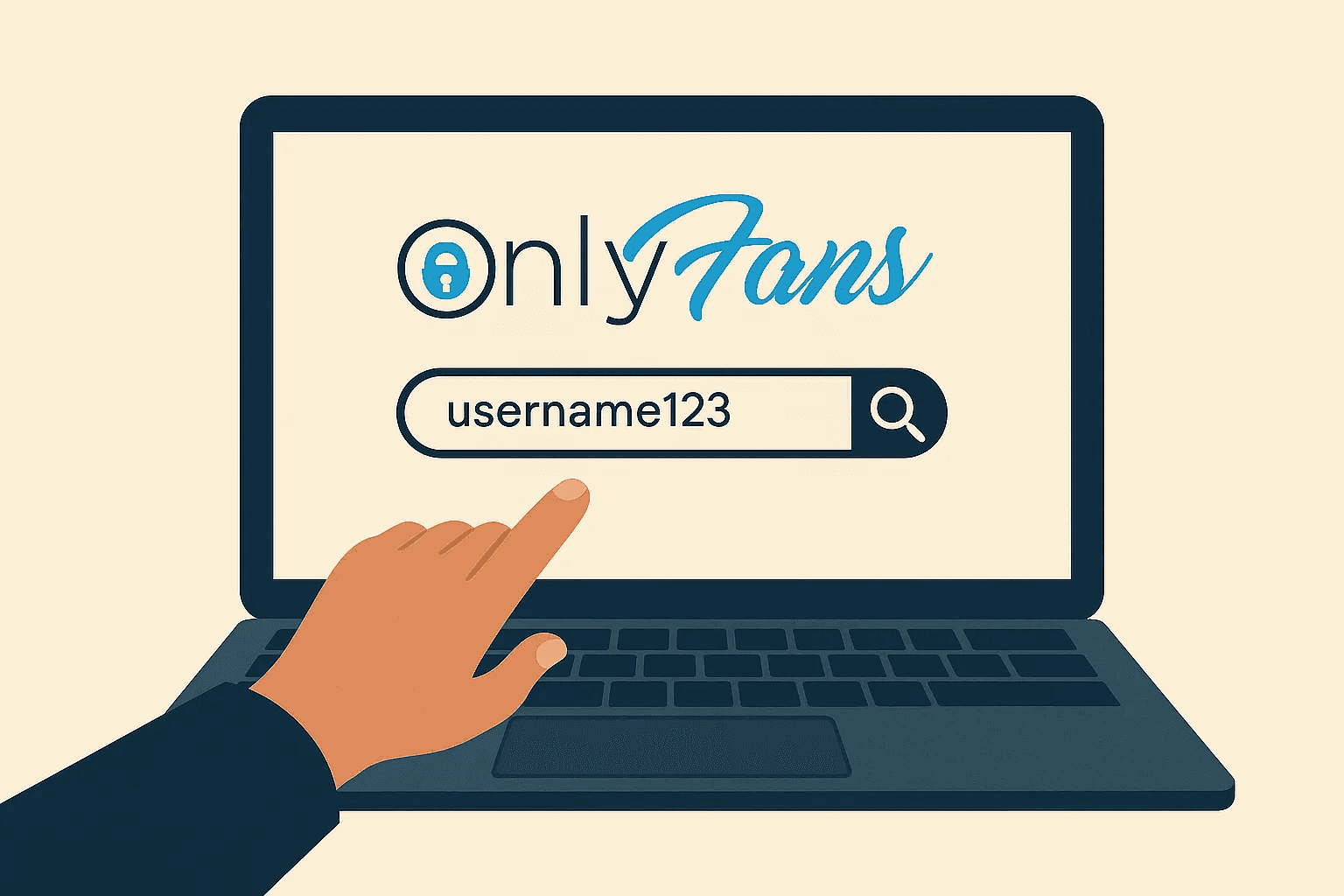
OnlyFans offers a native search bar, but it's extremely limited.
Here's how to use it:
- Log into your OnlyFans account.
- Locate the search bar at the top of the homepage.
- Enter the exact username (not display name) of the creator you're searching for.
Limitations:
- The search bar only works if you know the exact username.
- It doesn't support partial matches or keyword discovery.
- There is no category or location-based filtering.
Key takeaway: The built-in search function is simple but only works if you have precise information.
The faster check: onlyfans.com/username
You don't even need an account for this one. Every profile lives at onlyfans.com followed by the username, so type onlyfans.com/theirusername into your browser's address bar. If a profile loads, the account exists. If you get an error page, the username is wrong, the account was deleted, or it was renamed.
People reuse handles more than they think. Try the username they use on Instagram, TikTok or a gaming account, then the obvious variations: with and without a dot or an underscore, with a birth year at the end.
Check the address before you log in anywhere. Some sites copy the OnlyFans look to collect passwords. If a page that looks like OnlyFans asks you to sign in after you clicked an unknown link, close it.
Why can't I search users on OnlyFans?
Because the search is built to find creators, not people. As of late 2026, it matches creators' usernames, and fan accounts, the ones that only subscribe, don't show up in it at all. There's no search by real name, by email, by photo or by city, and no public directory.
That has one big consequence: if the person you're worried about is a subscriber, not a creator, no search will find them, on OnlyFans or anywhere else. A subscriber's trail is on their side: a card charge, an app, an email. We explain what OnlyFans shows up as on a bank statement, and what a line on a statement can and can't tell you.
Method 2: Check their social media profiles
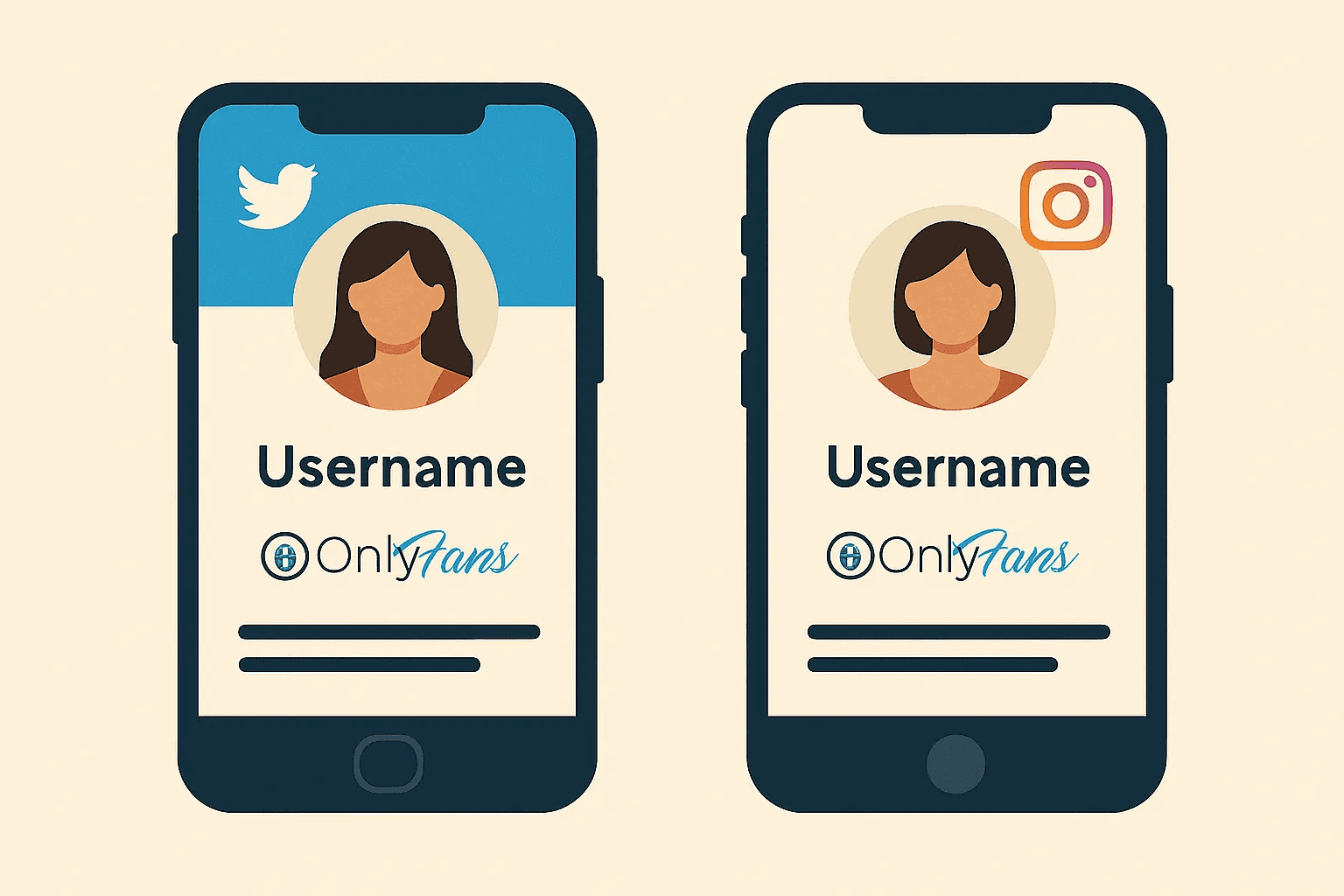
Most OnlyFans creators promote their profiles on external social platforms.
Here's how to leverage that:
X (Twitter)
- Many creators openly share their OnlyFans links on X.
- Look at their bio, pinned posts, or media tab.
- Try X's advanced search, like "OnlyFans" (from:username), or Google: site:x.com "OnlyFans" + [Name/Niche].
- Instagram bios often include Linktree, AllMyLinks, or a direct OnlyFans URL.
- Look for stories or highlights promoting their content.
- Creators often use niche subreddits to market themselves, usually under the same username as elsewhere.
- Look for promotion subreddits rather than browsing at random: a creator who promotes there tends to post in several of them.
- Use Google to search Reddit: site:reddit.com "OnlyFans" + [Username/Niche]
Tips:
- Look for multi-link hubs like Linktree, AllMyLinks, Beacons, etc.
- Don't just rely on bios, check comments, captions, and replies.
- Watch for disguised spellings in bios, like "0nlyfans", "OF" or a link that only says "my other page".
- A second, quieter Instagram account with few followers is a classic place for the link.
This is often the most reliable way to find someone if they want to be found.
Google, without the social networks
Google sometimes indexes OnlyFans profiles, and it indexes the bios and posts that mention them. Three searches cover most cases:
- site:onlyfans.com "first name last name" shows only OnlyFans pages. It only works if Google indexed the profile, which is far from always.
- "username" onlyfans, without site:, finds bios, posts and link pages where that username and OnlyFans appear together.
- "first name last name" onlyfans plus a city or a school narrows a common name down.
A name alone, especially a common one, gives you hundreds of unrelated results. Never conclude from a name match: pair it with a photo or a detail you know.
Method 3: Use third-party OnlyFans search engines
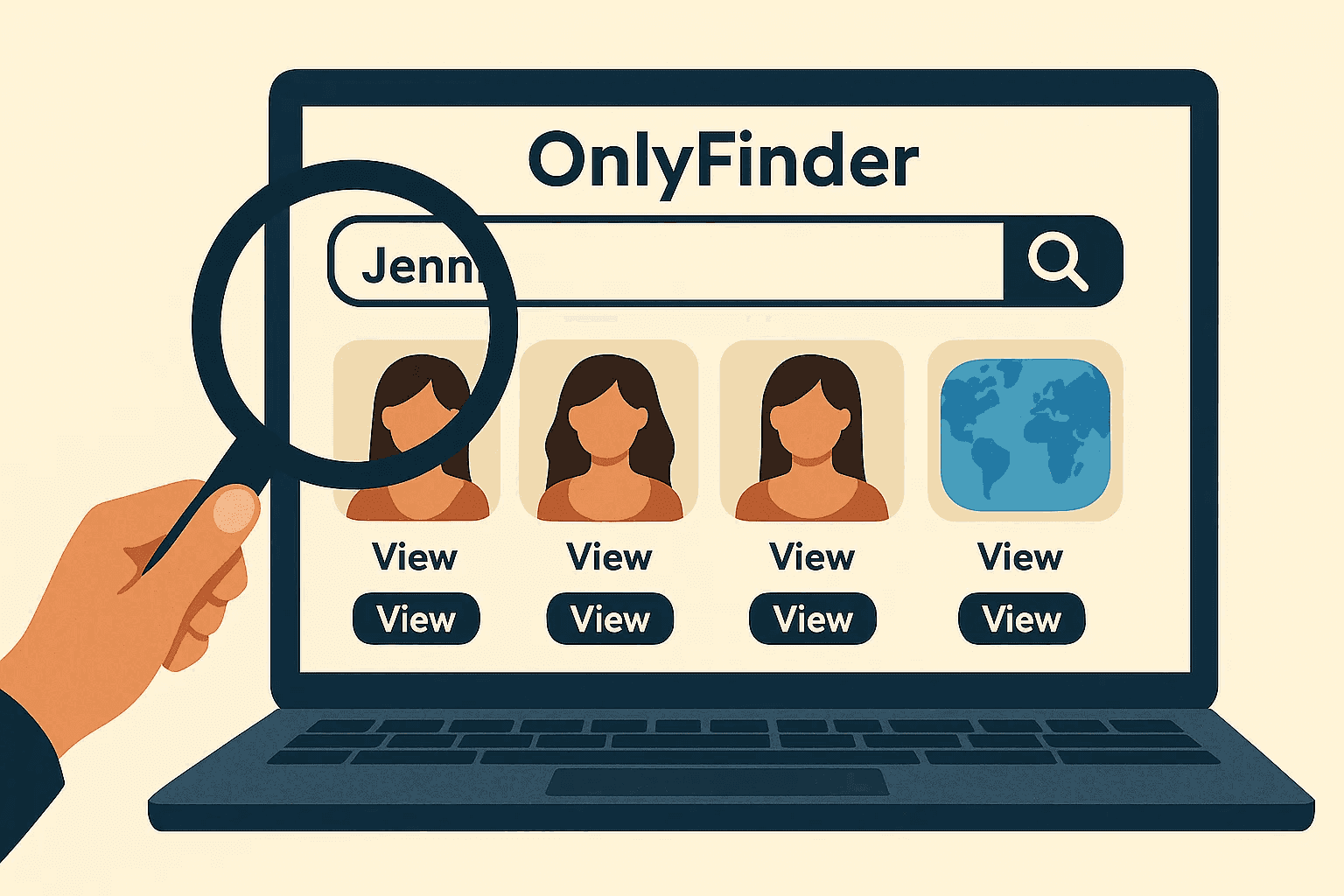
Since OnlyFans' native search is limited, third-party search engines have stepped in to fill the gap. These tools index public creator profiles and make it easier to find someone. We sorted them by what they actually read in our OnlyFans finder guide.
Popular Tools:
1. OnlyFinder
- Allows you to search by name, keyword, or even location.
- Simple UI and includes profile previews.
2. FansMetrics
- Offers trending creators and advanced filters.
- Some analytics are paywalled, but basic search is free.
3. Hubite (for cross-platform discovery)
- Useful if the creator is active on more than one subscription site, such as Fansly. If you think they might be there instead, here's how to find someone on Fansly.
Pros:
- Easy to use
- No account required
- Advanced filtering (e.g., location, content type)
Cons:
- May not index all creators
- Some features locked behind paywalls
- Information accuracy can vary
Unique angle: These tools are the most effective free way to find creators without needing an account or link.
When OnlyFinder finds nothing
It happens a lot, and it rarely means the tool is broken. These directories only list what they can see: creators with a public profile who filled their bio with words people search for. So an empty result usually means one of four things:
- The account isn't promoted. No public bio, no keywords, nothing for a directory to pick up.
- The name you typed isn't the one they use. Directories search display names and bios, not real names.
- The location is made up or missing. Location filters rely on what creators write themselves, often a vague region or a joke.
- You're on a copy of the site. Clones covered in ads and fake "download" buttons are common. If a directory asks for your card or your OnlyFans password, leave.
When that happens, go back to Method 2. The social media trail finds accounts that directories miss.
Method 4: Advanced reverse search techniques
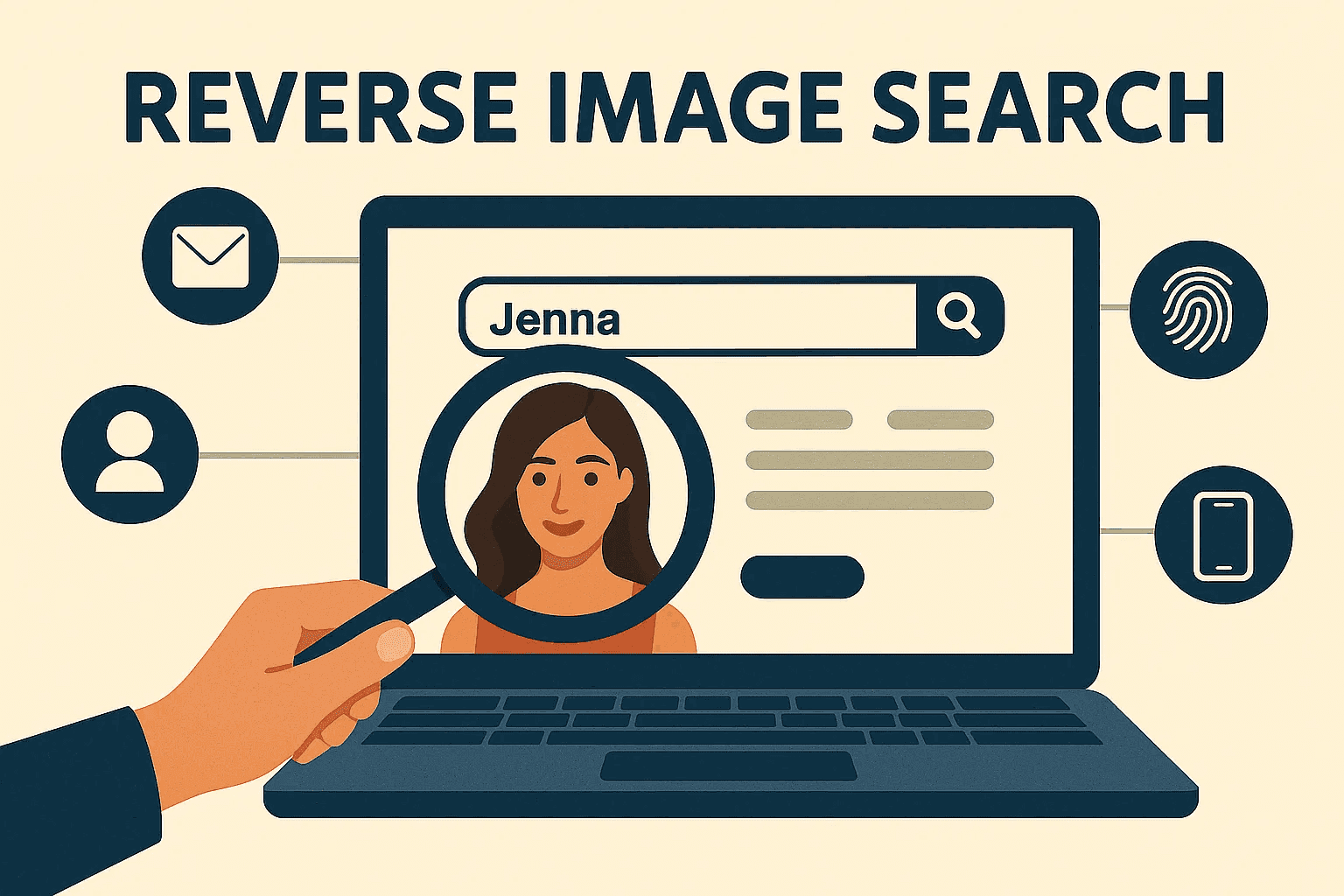
If you have very limited information like just a photo or email, you can use reverse search tools to uncover associated accounts.
Reverse image search
- Use tools like Google Lens, Bing Visual Search, TinEye, or FaceCheck.ID.
- Upload a profile picture and see where else it appears online.
- Great for tracking cross-platform usage.
- Use a clear, front-facing photo without sunglasses or a heavy filter, and crop out other people.
- These engines can't see behind the OnlyFans paywall. They lead you to a public social profile, and that profile's bio is where most successful searches end. Full workflow: find someone's OnlyFans by photo.
Reverse email/phone search
- Services like Social Catfish or Spokeo can help identify profiles tied to an email or phone number, but they rely on U.S. records and rarely find much for people outside the United States.
- Some results may require payment.
- OnlyFans itself has no search by email or phone number, and neither appears on a profile. Their best use is as a bridge: search the email in quotation marks on Google, and the part before the @ as a username.
- Skip the "sign-up test". Some guides suggest typing their email into the OnlyFans sign-up or "forgot password" form to see if it's taken. A reset request sends an email to them, and probing an account with someone else's email can get you into legal trouble depending on where you live.
- More on each: OnlyFans by email and OnlyFans by phone number.
When is this useful?
- If you've seen a profile picture but don't know the name.
- If you suspect someone is using an alias.
- If you're trying to verify if someone has an OnlyFans.
Finding someone you know on OnlyFans
This is the hardest case, and there's a reason for it. People who don't want to be found by their neighbors, coworkers or partner have tools for exactly that.
- They may have blocked your area. OnlyFans lets creators block visitors from chosen countries, and in some countries from chosen states. If they've blocked where you live, their page won't load for you, even with the right username.
- They use a different name. Many creators pick a stage name precisely so that people who know them won't find them.
- They keep it off their main accounts. The link lives on a second profile, not the one you follow.
So when you know the person, a reverse image search on photos they've posted publicly usually goes further than a name search. And an empty result doesn't clear anyone. It may just mean they did their privacy settings well.
How to tell the account is really theirs
Finding an account is only half the work. Faces look alike, names repeat, and fake accounts steal real people's photos. Before you believe anything:
- Run a reverse image search on the account's own photos. If they lead to a stock site or to someone else, it's a fake.
- Compare the timeline. Does the activity fit what you know about their life?
- Read the small details in the bio: age, city, job, a pet, a gym. Real accounts leak real facts.
- Look for physical details: tattoos, scars, jewelry, the decor of a room. They're much harder to fake than a face.
If the timeline, the bio and the details all point the same way, you probably have the right person. If one thing is off, wait before you conclude.
Bonus Method: Cheateye
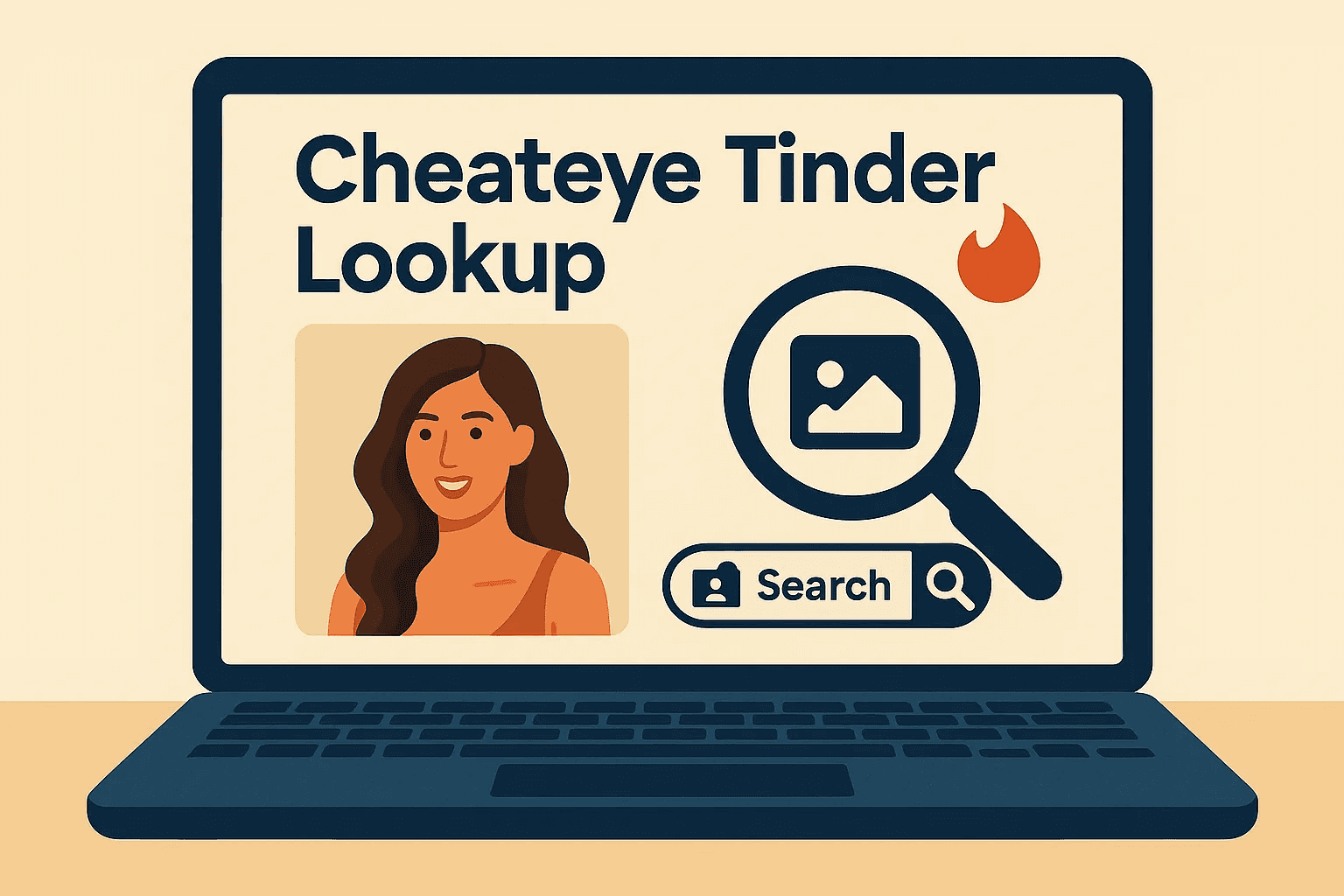
Dating profile search on Tinder
If your manual search leads nowhere, try **CheatEye**, our own tool, a paid dating profile search on Tinder.
Let's be clear: CheatEye doesn't search OnlyFans or other social networks. It answers a different question: is this person also on Tinder? If they are, their Tinder profile can give you fresh clues (a first name, new photos) to plug back into OnlyFinder or reverse-image searches.
What it is: A dating profile search that looks for a specific person on Tinder from their first name, age, gender, and city, with an optional photo for facial recognition. With the add-on, it also covers Bumble, Hinge, Happn, and OkCupid.
How it works: Enter a first name, age, gender, and city, and add a photo if you have one. If a Tinder profile is found, the report shows its bio, photos, last activity, Tinder subscription, and last used location, usually within a few minutes. The person isn't notified. A search costs 17.90 and the add-on 12.90 (USD, EUR, or GBP depending on your country), paid once. There's no search by email or phone number, and it doesn't show messages or a live location.
Why it helps: Creators often reuse the same selfies across platforms. One Tinder hit can reveal another first name or new photos you can use in the steps above.
Pro tip: Run CheatEye after the free methods. Even one new selfie or first name from a Tinder profile can break open a cold trail.
If it's your partner you're worried about, finding an account is the start of a hard conversation, not the end of the search. Whether a subscription counts as cheating is a question couples answer very differently, and we look at what surveys say in is paying for OnlyFans cheating.
Frequently Asked Questions (FAQ)
Can you search for someone on OnlyFans by location?
Not on the official platform, but third-party tools like OnlyFinder allow location-based filtering.
Can you find someone without an account?
Yes, if they promote their link publicly or if their profile is indexed by a third-party search engine.
Is it legal to search for people on OnlyFans?
Yes, as long as you're using publicly available information and not violating terms of service or privacy laws.
How do you search on OnlyFans?
Log in and type the creator's exact username in the search bar, or skip the bar and go to onlyfans.com/username directly. Partial names and keywords give little, and there are no filters.
Why can't I search users on OnlyFans?
The search only lists creators, and mostly by username. Fan accounts that only subscribe aren't searchable, and there's no search by real name, email, photo or city.
Is there a free OnlyFans lookup?
Yes, several, and they cost nothing: the onlyfans.com/username check, Google with site:onlyfans.com, the person's social media bios, a reverse image search, and the free tier of directories like OnlyFinder. Sites that charge for an "OnlyFans lookup" by email or phone usually sell a general people-search report.
Can you find someone on OnlyFans by email or phone number?
Not on OnlyFans. An email or a number can lead you to a username through Google or a messaging app, and that's about it. Don't use the sign-up or password reset form with someone else's email.
Will they know I searched for them?
No. A Google search, a reverse image search or reading a public bio doesn't send any notification.
Does CheatEye search OnlyFans?
No. CheatEye searches dating profiles on Tinder, and on Bumble, Hinge, Happn and OkCupid with the add-on. It never searches OnlyFans.
Final thoughts: search with respect

Finding someone on OnlyFans can be straightforward or challenging depending on what info you start with. This guide walked you through the simplest to the most advanced techniques.
But remember: respect boundaries.
Just because someone has a public profile doesn't mean they want it broadcast.
Use this knowledge responsibly, and if someone doesn't promote their content publicly, it's best to respect their choice to stay private.