Tinder Without an Account: Can You Browse, Search or Log In?

Content Marketer
Can you use Tinder with no login or sign up? What tinder.com shows without an account, the one public page you can open, and how to find one person's profile.
You typed Tinder into your browser, landed on a "Log in" button, and closed the tab. You don't want a profile. You don't want to hand over your phone number. You just want to look, or more likely, to know whether one particular person is on there.
Short answer: No, you can't browse Tinder without an account. There's no guest mode, no preview of the swipe stack, and tinder.com asks you to log in before it shows a single profile. What you can do with no login and no sign up is check one specific person: open their public tinder.com/@username page if they have one, look for outside clues on Google and social media, or use a tool that searches Tinder for you.
This guide sorts out what each "no login" search actually means, shows you the one Tinder page that opens without an account, then walks through how to find someone's Tinder profile step by step, from free to paid.

Can You Browse Tinder Without an Account?
No, and that includes scrolling, viewing and "just looking". Tinder doesn't offer a public feed. Open the app or tinder.com without signing in and you get the same thing: a login and sign-up screen. The swipe stack, the profiles near you and the Explore section all sit behind it.
Not even without a profile picture or without swiping. Those searches come up a lot, and the answer is the same. To see anyone, you need an account with at least a phone number or a linked Google, Apple or Facebook login, a first name, your age and photos. Once you have that, you're a member, and other people can see you too.
Why Tinder keeps it that way. A public feed would make it easy to scrape profiles in bulk and to track people who never agreed to be found by a stranger with a browser. It would also let you look and leave without ever subscribing. Privacy and business point in the same direction here, which is why this isn't likely to change.
So what is possible? Two things, and they're very different. You can open a single public profile page if you know the exact username. And you can check whether one person has a profile, from outside Tinder. Everything that works falls into one of those two buckets.
What Tinder Shows You With No Login: The Public @username Page
Some Tinder users create a username, which gives their profile a public web address: tinder.com/@ followed by the username. This is the only part of Tinder you can view without an account.
What you see. We checked on 23 November 2026. A real username page opens with no login and shows the person's first name, their @username and one profile photo, with an invitation to swipe right in the app. That's all. No bio, no other photos, no age, no distance.
How to read the result. This is the detail most guides skip. If you type a username that doesn't exist, Tinder doesn't show an error message. You simply land on the standard Tinder homepage, with no name and no photo. So a name and a photo means a profile exists under that username. The homepage means you guessed wrong, or the person never set a username, which is the case for most people.
How to try it in two minutes:
- List the handles the person already uses: Instagram, TikTok, Snapchat, gaming, an old email prefix.
- Type tinder.com/@ followed by each handle into your browser.
- If a card appears, compare the first name and the photo with what you know.
Where it stops. You can't search these pages by name, and you can't open anything beyond the card without an account. A blank result tells you nothing either way.
Tinder No Login, No Sign Up, No App: What Each Search Really Means
People phrase this question a dozen ways, and they're not all asking the same thing. Here's what each one comes down to.
Tinder no login, no sign up, no registration
There's no version of Tinder that works without one. Any site offering "Tinder online, no login" or a free "Tinder viewer" with no sign up isn't Tinder. Be especially careful if it asks for your own Tinder login, your phone number or a payment to "unlock" a feed: that's how accounts and cards get stolen.
Tinder login without the app
This one is simpler: yes, you can use Tinder without downloading the app. Tinder's own FAQ says to "head to tinder.com and log in for the full desktop experience". But it's still a login. The web version needs the same account as the phone app, so it doesn't help if your goal is to stay off Tinder.
Tinder without Facebook
Also yes. Facebook used to be the default way in, but you can create an account with a phone number, or connect a Google or Apple account instead. Again, that's a way to sign up, not a way to avoid it.
Tinder search without registering
This is the one most people really mean: "can I find out whether a specific person is on Tinder without joining?" You can, from the outside. The next section is the method.
How to Find Someone's Tinder Without an Account
Go in this order. The first steps are free and quick; the last one is paid and looks on Tinder itself.
Before you start, write down what you know. Their first name as they'd use it on an app (Rob or Robert?), their age or a close range, the city where they'd swipe, and one or two clear recent photos. Every method below works better with those details, and a wrong city is the most common reason a search comes back empty.
Step 1: Try their public username link
Use the tinder.com/@ method above with every handle you can think of. It takes five minutes and costs nothing.
Step 2: Search Google for indexed Tinder pages
Type site:tinder.com/@ "Firstname" into Google, replacing Firstname with their first name, and add a known handle to narrow it. Results are rare and often old, because most profiles are never indexed. Treat a hit as a lead to check and an empty page as nothing at all.
Step 3: Run a reverse image search on their photos
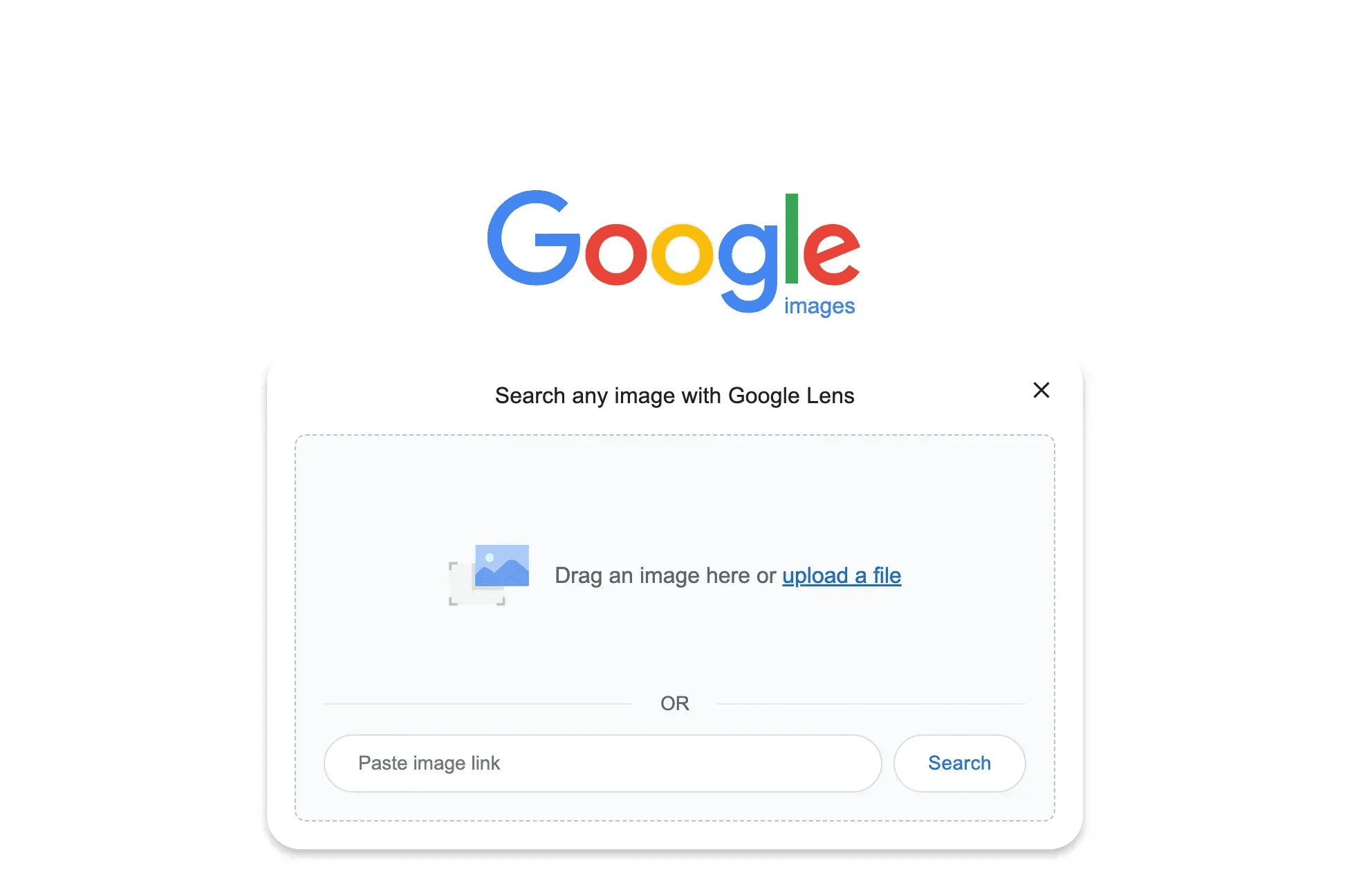
Upload a clear photo to Google Images (the camera icon, which opens Google Lens). If they reuse the same pictures on Tinder and on public accounts, you may find a linked Instagram or another dating profile. It won't find the Tinder profile directly, since Tinder pages behind the login aren't indexed, and it fails completely with photos that were never posted anywhere else, including AI-edited ones.
Step 4: Look for clues on their social media
Screenshots of funny Tinder chats in Stories, a sudden wave of new follows from local strangers, a bio that mentions "not here much, find me on..." None of it shows you a profile, but it can tell you whether it's worth going further.
Step 5: Use a tool that searches Tinder for you
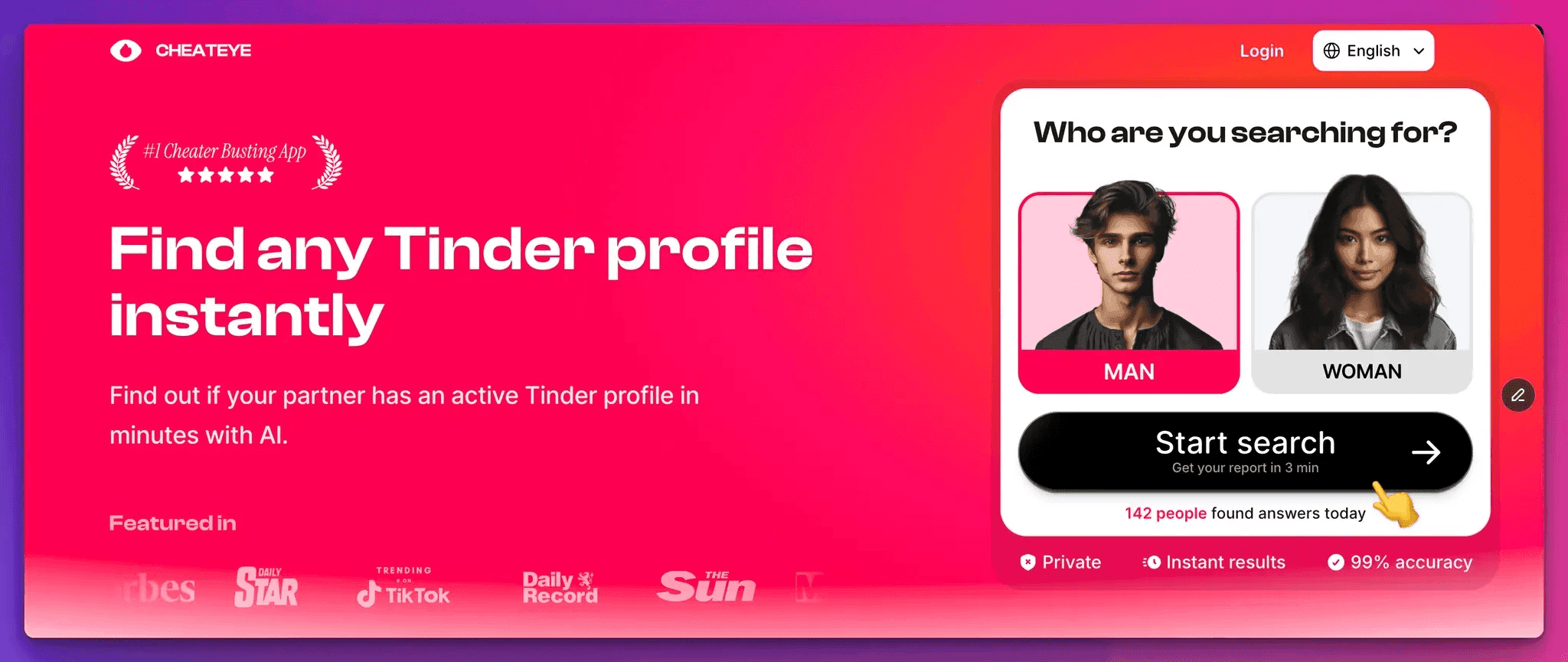
If the free steps give you nothing clear, this is the step that actually looks on Tinder. CheatEye is our own tool, and it's built for exactly this: finding one person's Tinder profile while you stay off the app.
You enter their first name, approximate age, gender and the city where they'd use Tinder, and you can add a photo to narrow the matches. When a profile is found, the report shows their bio, photos, last activity, Tinder subscription and last used location. The person isn't notified, and you never touch their phone. A search costs $17.90, paid once, with Bumble, Hinge, Happn and OkCupid available as an option for $12.90. It doesn't show messages or a live location, and it can only find what matches the details you give it.
A quick example. Say you're looking for a 34-year-old called Daniel who lives in Austin but spends weekdays in Dallas for work. Search Dallas too. Tinder shows people by where their phone is, so the city that matters is the one where he'd open the app.
Run a search on CheatEye to check if someone has an active Tinder profile, no account needed.
For more on getting each detail right, our guide on how to find someone on Tinder goes further.
What Doesn't Work, and What Can Backfire
A fake account. It's the first idea most people have, and it's a poor one. It goes against Tinder's terms and can get banned. It also rarely finds anyone: the stack is ordered by distance, age settings and Tinder's own ranking, and there's no box to type a name. You can swipe for an evening and never see the person.
A friend's account. Same problem, plus your friend's account and privacy on the line.
"Tinder viewer" sites that ask for a login. No legitimate service needs your Tinder password to look up someone else. Close the tab.
Spyware on their phone. Installing a monitoring app on another adult's phone without their consent is illegal in most countries, and it can turn you into the person in the wrong. Everything in this guide works without touching their device.
Other Outside Tools: Social Catfish and Cheaterbuster
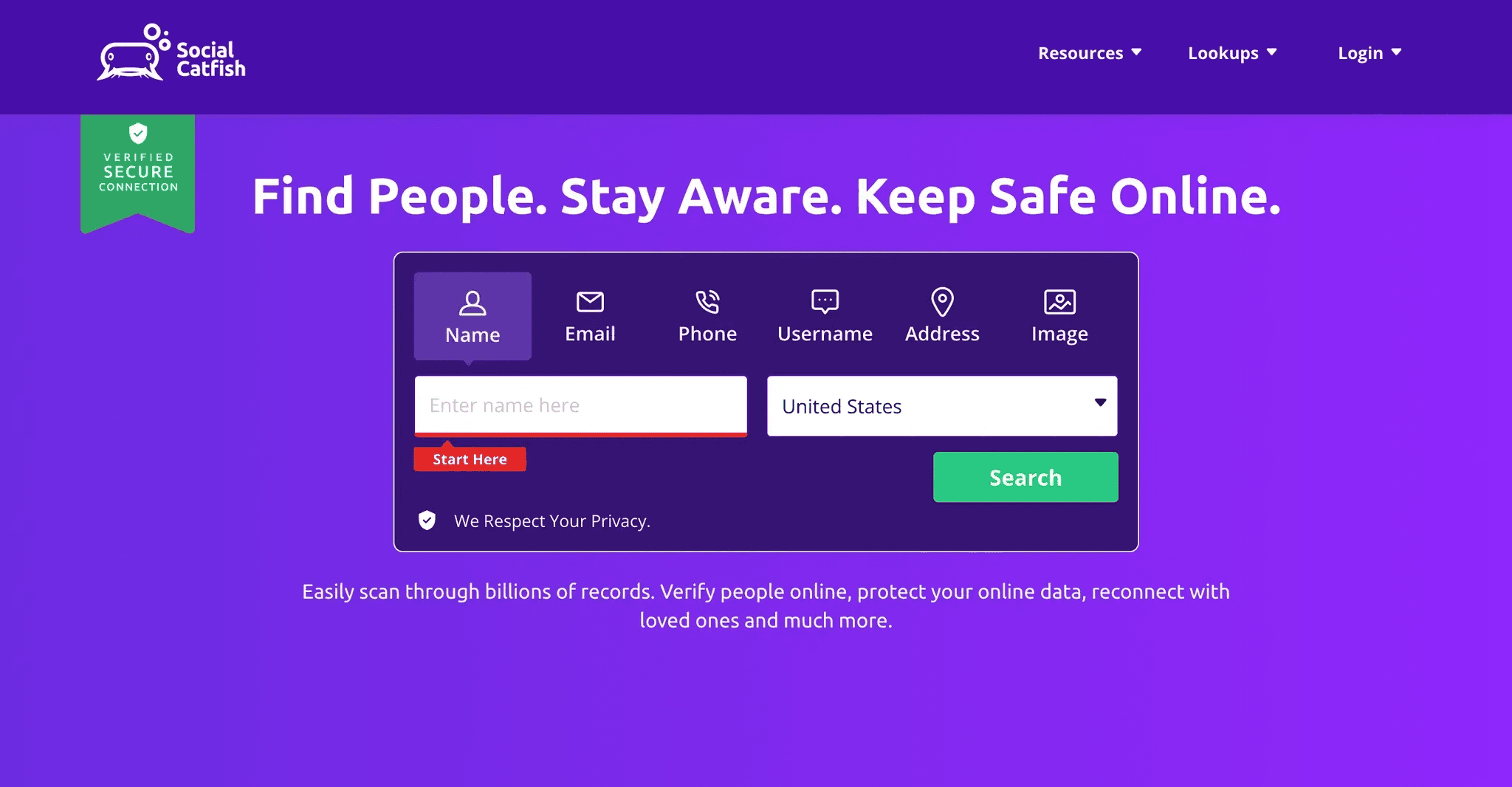
Social Catfish is a reverse image and people search service. It's useful for spotting a catfish or when you don't know which platform someone uses, but it doesn't search inside Tinder, and its records are mostly US records. Our Social Catfish review covers it in detail.
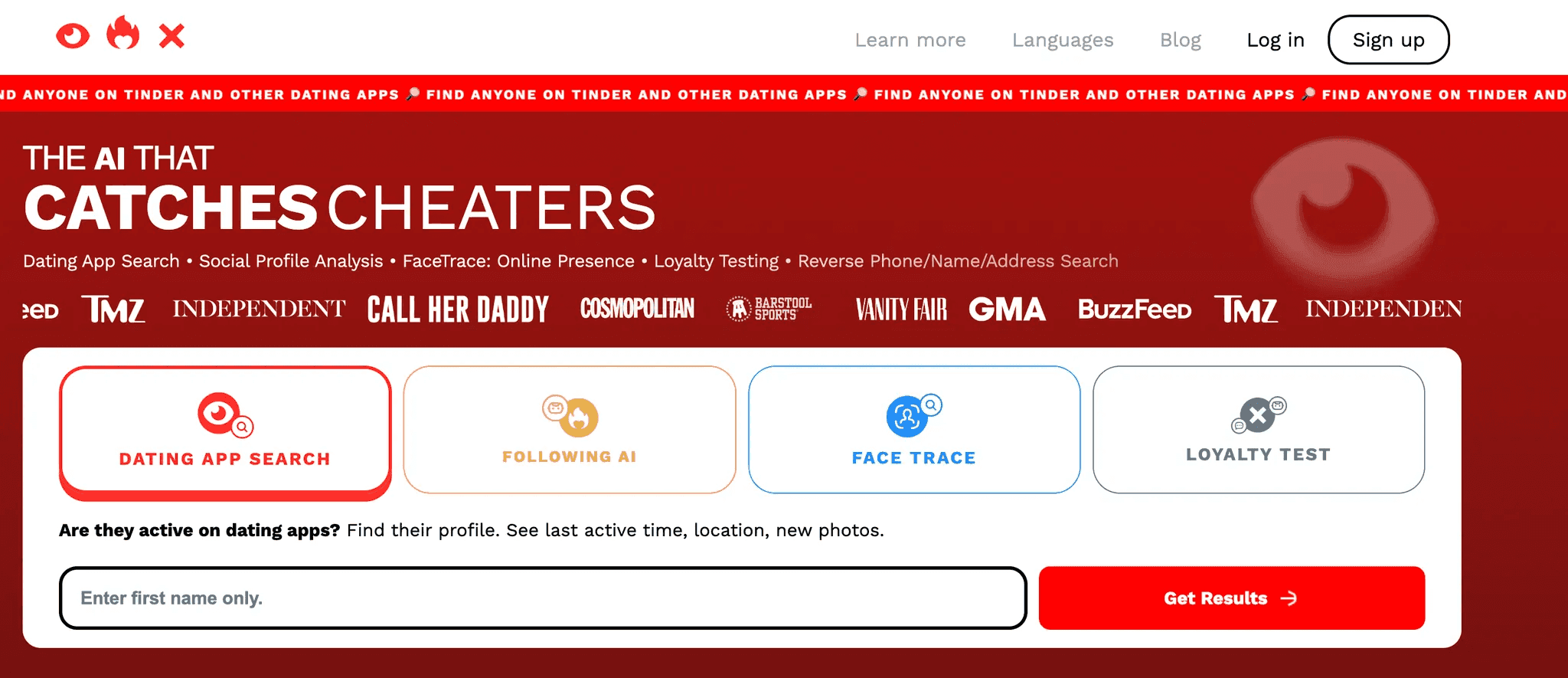
Cheaterbuster looks for Tinder profiles from a first name, age and location. When we checked its website on 6 October 2026, it listed $19.99 + tax as a subscription with weekly updates on one person, so read the renewal terms at checkout. Our Cheaterbuster review and our list of Cheaterbuster alternatives compare the options.
Can You Browse Tinder Without Being Seen?
Some people searching "anonymous Tinder" already accept making an account; they just don't want to be spotted. That's a different question, with a different answer.
Incognito mode is the closest thing. Tinder lists Incognito as part of Tinder Plus on its FAQ (checked 23 November 2026). It keeps your profile out of the stack of people you haven't liked. You still need an account, and anyone you like can see you.
It doesn't help with finding one person. Even with Incognito, there's still no search bar. You're back to swiping and hoping.
If You're Checking on a Partner
If this search started with a feeling about someone you're with, that's a hard place to be, and wanting a straight answer is reasonable.
A found profile is a fact, not a verdict. Look at the last activity before anything else. An old profile someone forgot to delete reads very differently from one active last night. Our guides on whether Tinder deletes inactive accounts and on what to make of "I forgot to delete it" help you read it.
Nothing found isn't a clean bill of health either. A wrong city, a nickname or a deleted account can all hide a profile. Our guide on how to know if someone is on Tinder lists the other signs worth checking.
Frequently Asked Questions
Can you browse Tinder without an account?
- No. Tinder has no guest mode, and both the app and tinder.com ask you to log in before showing any profile. That's true for browsing, scrolling and viewing the stack.
Can you view Tinder profiles without an account?
- Only one kind: public username pages at tinder.com/@username, which show a first name, the username and one photo. Everything else needs a login.
Can you see if someone is on Tinder without joining?
- Yes, from the outside. Try their usual handle on tinder.com/@, search Google and their social media, run a reverse image search, or use a tool like CheatEye that searches Tinder with their first name, age, gender and city.
Is there a Tinder no login or no sign up version?
- No. Sites promising Tinder "online, no login" aren't Tinder, and any that ask for your own Tinder login or card details to unlock a feed should be avoided.
Can you log in to Tinder without the app?
- Yes, at tinder.com, which Tinder itself recommends for desktop. It still needs an account.
Can you use Tinder without Facebook?
- Yes. You can sign up with a phone number, or connect a Google or Apple account instead of Facebook.
Will the person know I looked them up?
- A CheatEye search doesn't notify them, and Google, social media and reverse image searches all happen outside Tinder. Tinder doesn't say whether visits to username pages are tracked, so treat that link as a quick look rather than a hidden one.
Key Takeaways
No account means no swipe stack. You can't browse, scroll or view Tinder without logging in, on the app or on tinder.com.
One page opens without a login. A tinder.com/@username page shows a first name and a photo. A wrong username just sends you to the Tinder homepage.
"Without the app" and "without Facebook" are possible, "without an account" isn't. Tinder works in a browser and with a phone number, but both are still sign-ups.
To check one person, go from free to paid. Username link, Google, reverse image search and social media first; if nothing clear turns up, run a search on CheatEye for $17.90 and see what's actually on Tinder.